Using a home inventory app offline
An offline inventory is useful in a basement, storage unit, or shop with poor reception. Itemsbase keeps an inventory copy on your phone so you can search locally available belongings without waiting for a server response.
The app is in development for iPhone and Android and is not yet generally available. Join the early-access list for updates.
Before losing your connection
- Sign in and let your inventory sync while connected.
- Open the Locations and items you expect to need. Check that the list includes recent changes from your other devices.
- Open important photos on this phone. Synced item details do not guarantee that every full-size image is available locally.
- Check the app's sync status for pending changes or uploads before relying on another device's copy.
What you can do without signal
Search locally available inventory, check where an item lives, add or edit items, choose a storage place, and add photos. The app records offline changes locally and queues uploads rather than requiring a successful network request for every entry.
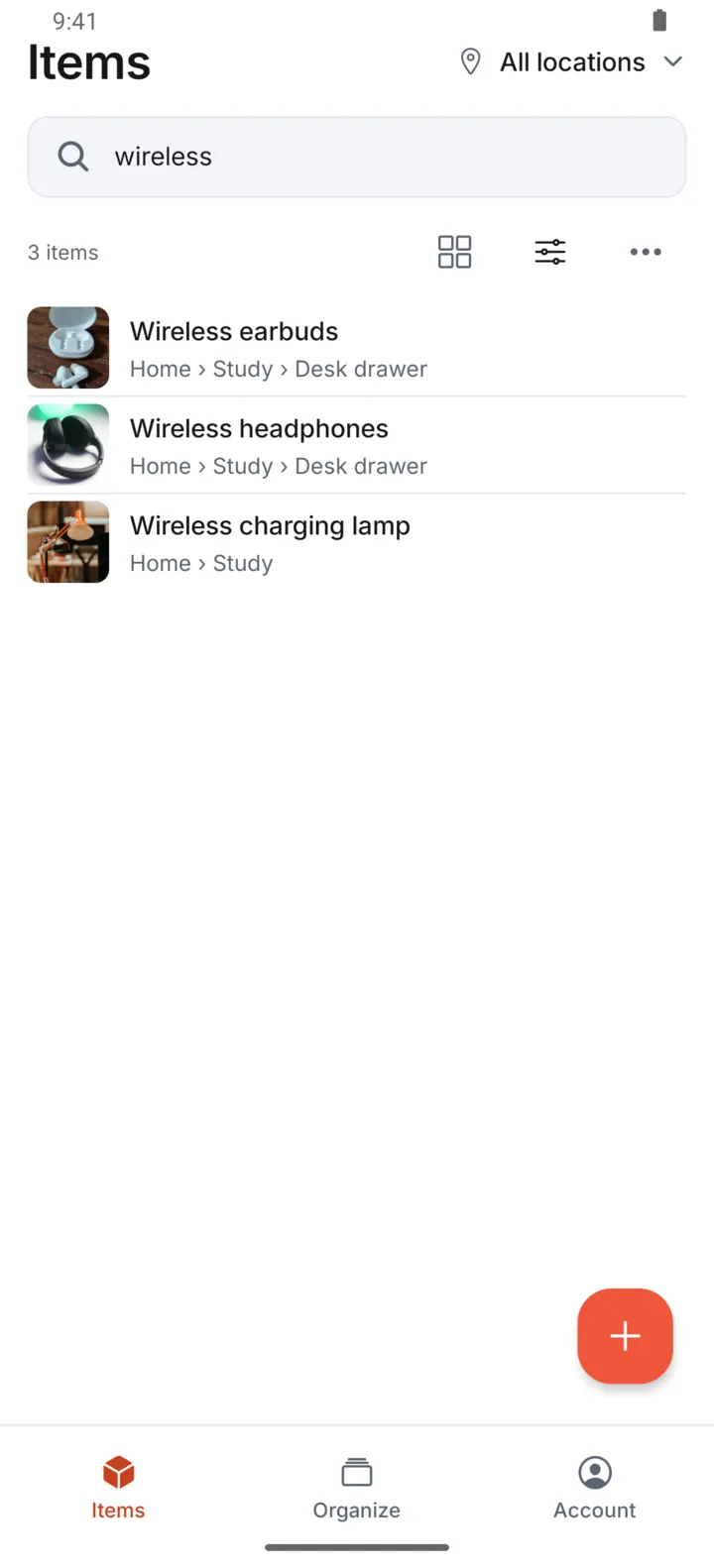
For example, if you find a spare cable in a box, record it with its Container while you are there. You can search that local entry on the same phone before reconnecting.
What still needs internet
Initial sign-in, fetching changes made elsewhere, downloading uncached photos, uploading new photos, and managing sharing require connectivity. Another person cannot see your new offline entry until your phone sends it and their device receives it.
Offline access also means a recipient may retain an older local view after sharing access changes. Revoking access cannot recall copies someone already saved. Read the revocation explanation for that distinction.
When you reconnect
Open Itemsbase and check its sync status while it sends pending work. Photos can take longer than text changes. If the app reports a stalled upload, use its retry controls and keep the original local data until the upload completes.
Do not uninstall the app or clear its data to fix a pending upload. Offline work can exist only on that phone until it reaches the server. A CSV export includes item details and photo counts, not the photo files, so it is not a substitute for completing photo uploads.
Make the inventory useful before making it complete
Start with the belongings you forget most often. Record a clear name and a recognizable place, then add details as needed. For a storage unit, follow the container inventory workflow. For travel between homes, use the multiple-home workflow.